Made for the fold.
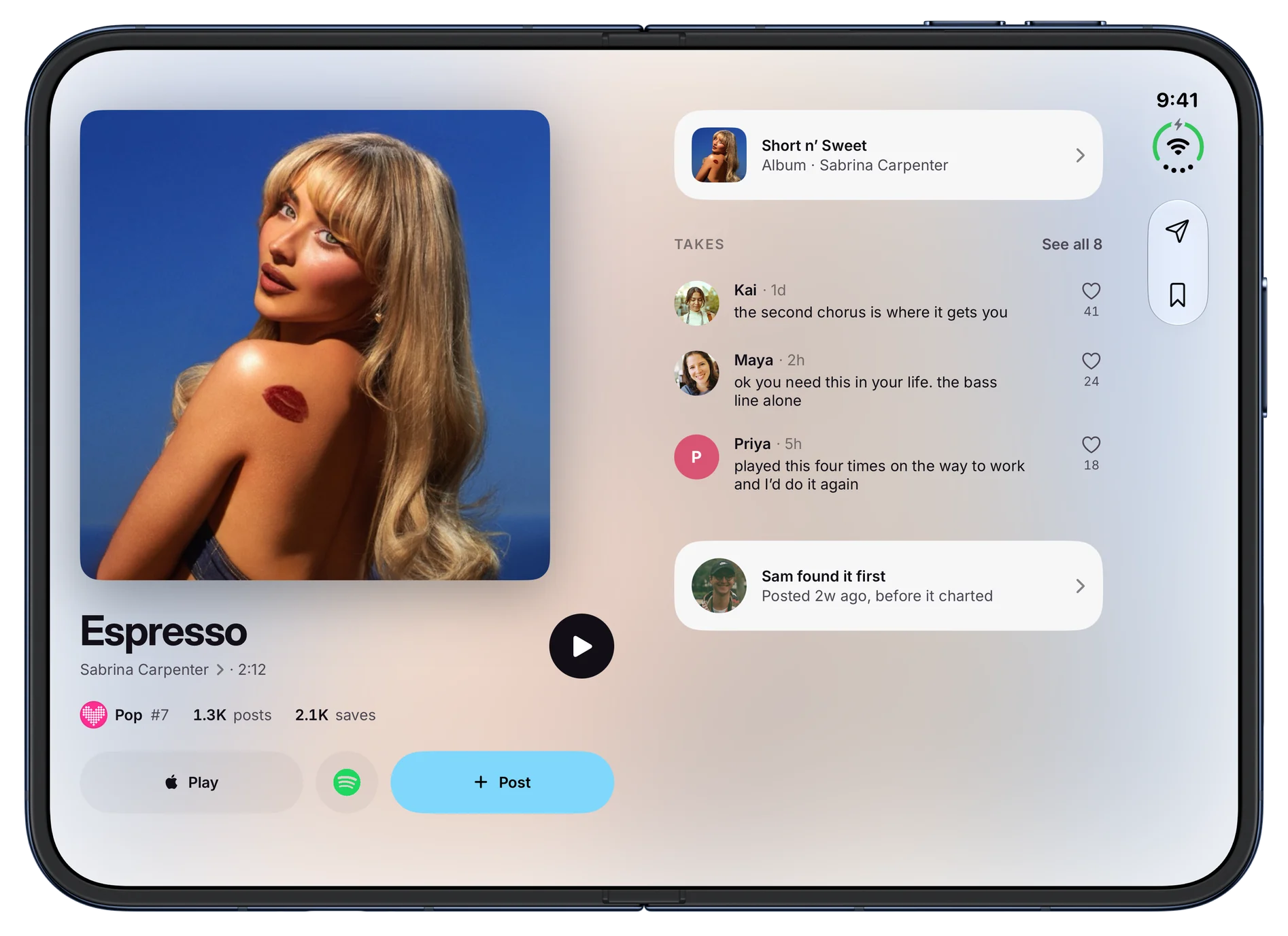
Every screen splits at the fold, so nothing sits across it.
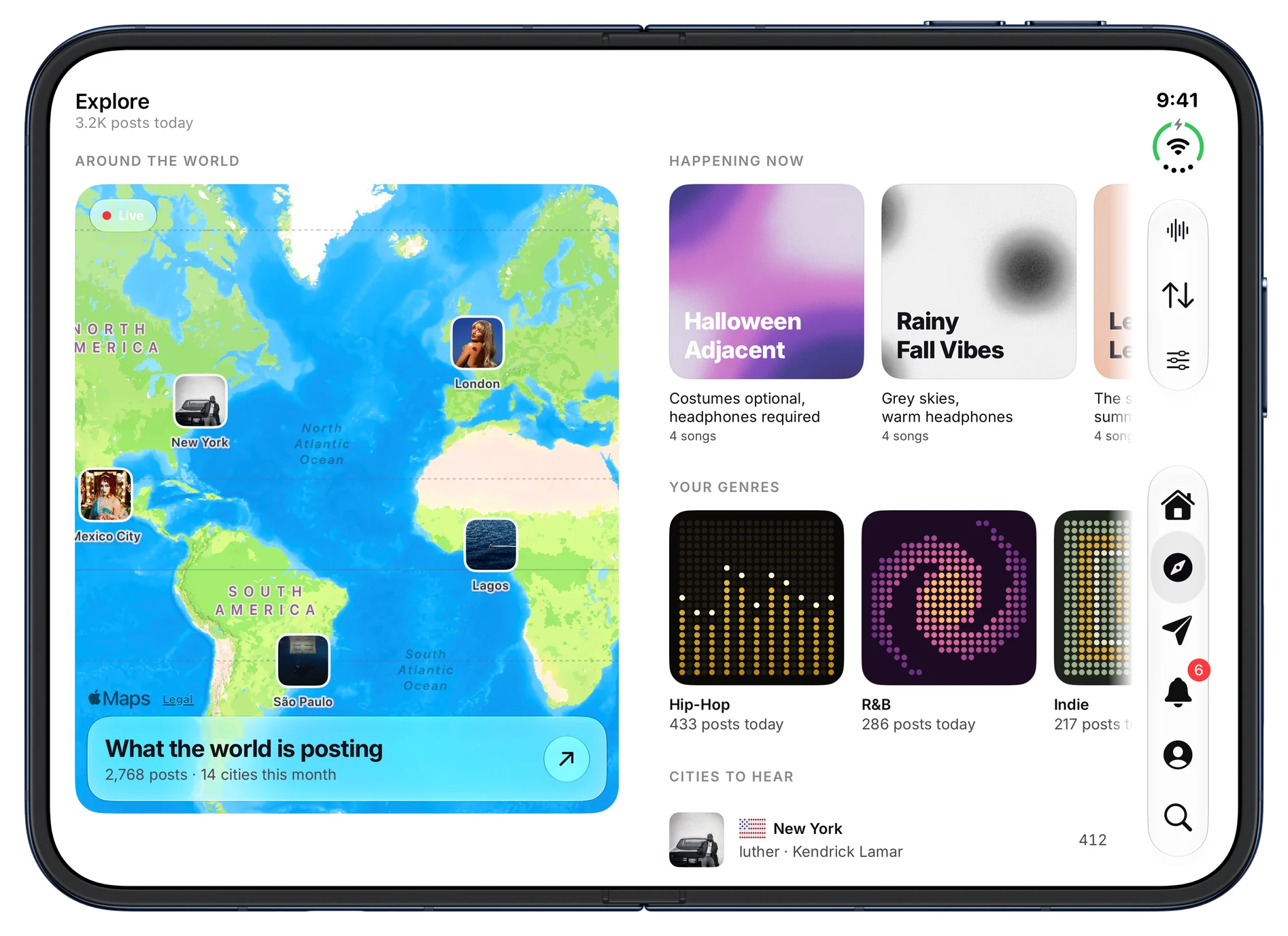
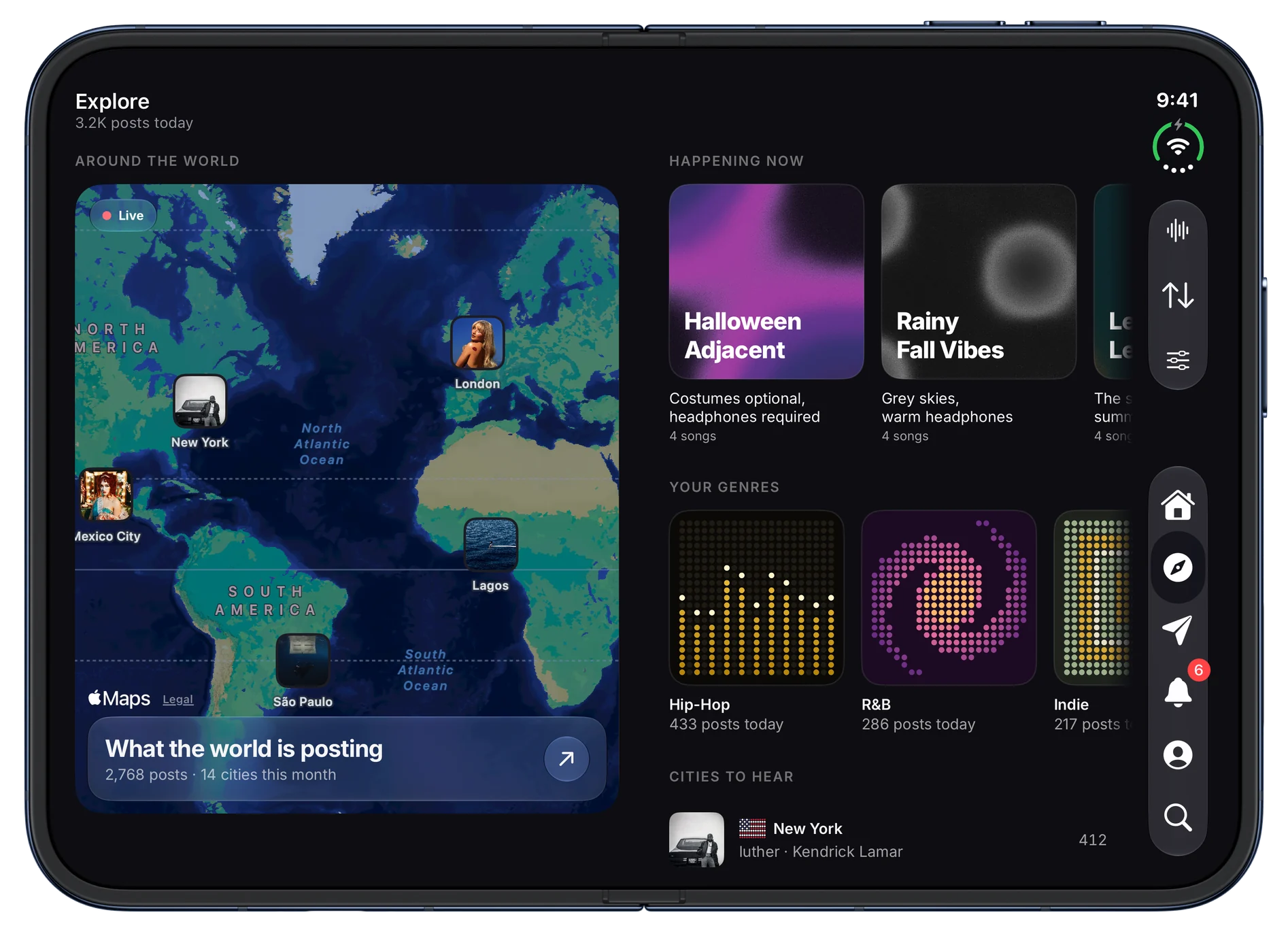
The world on one half.
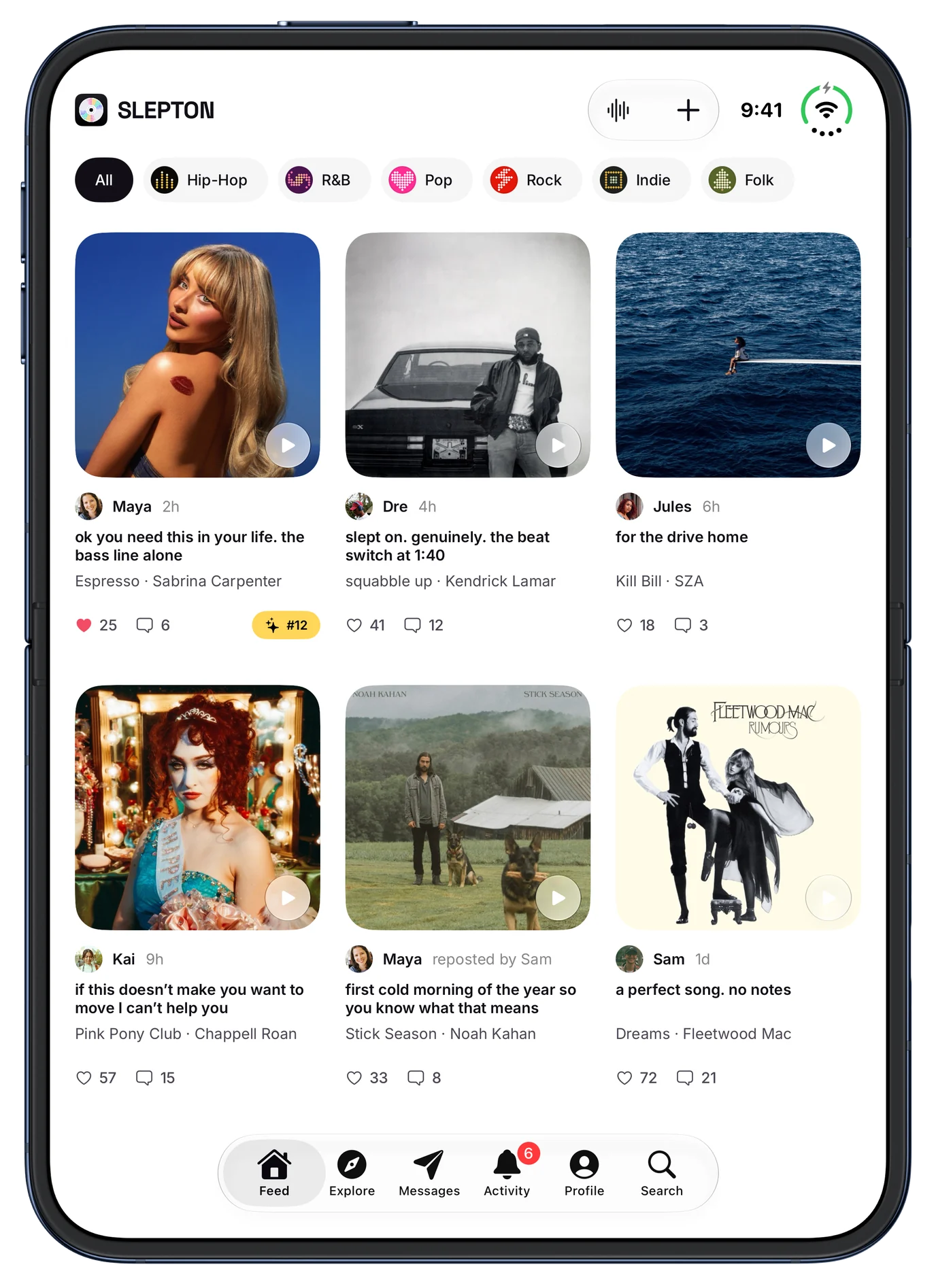
Upright, three across.
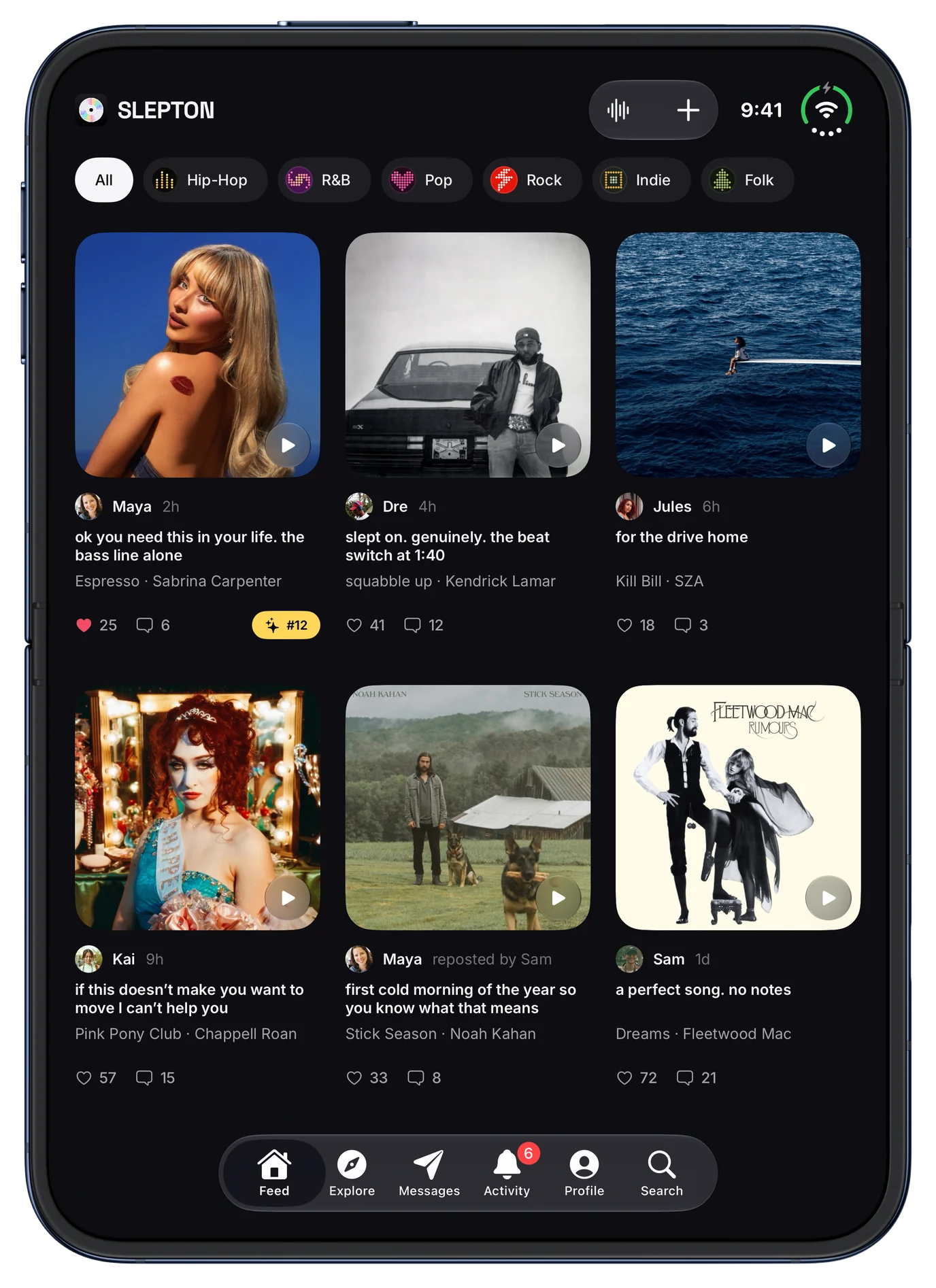
Closed, the phone you know.
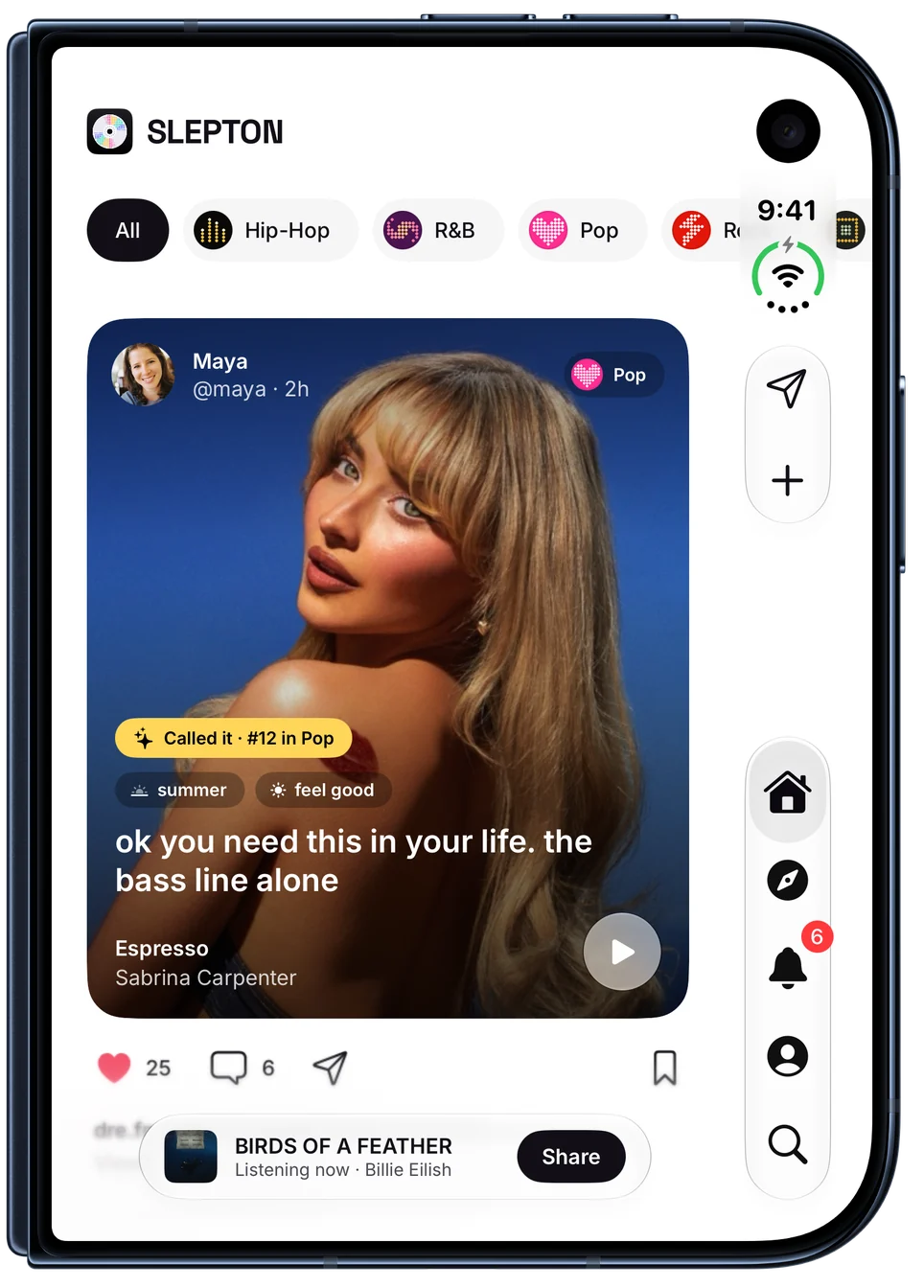
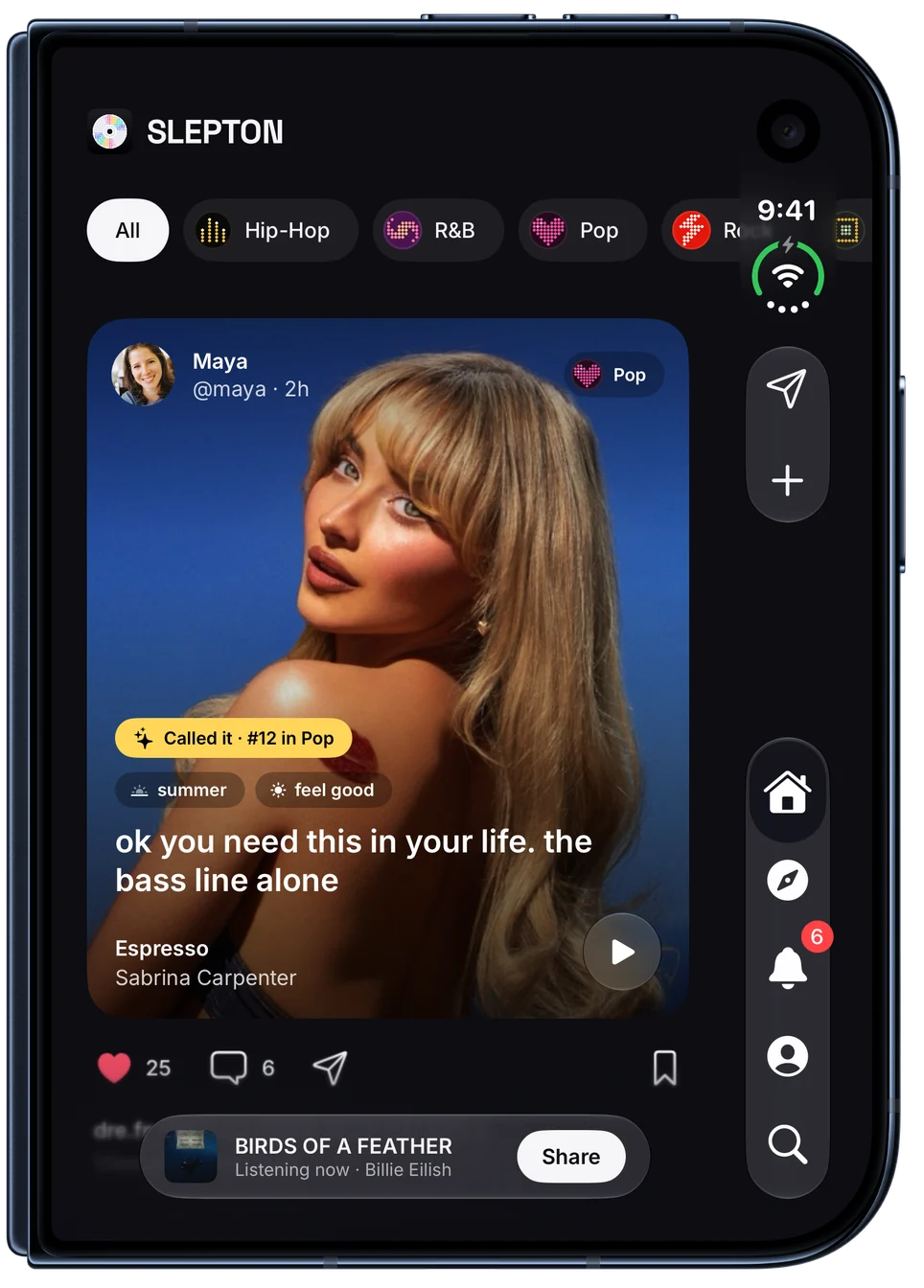
Messages gets a tab of its own.
Two halves, never across the fold.
Tabs move into the side bar.
Home becomes shelves, then a sideways feed.
Who someone is, beside what they post.
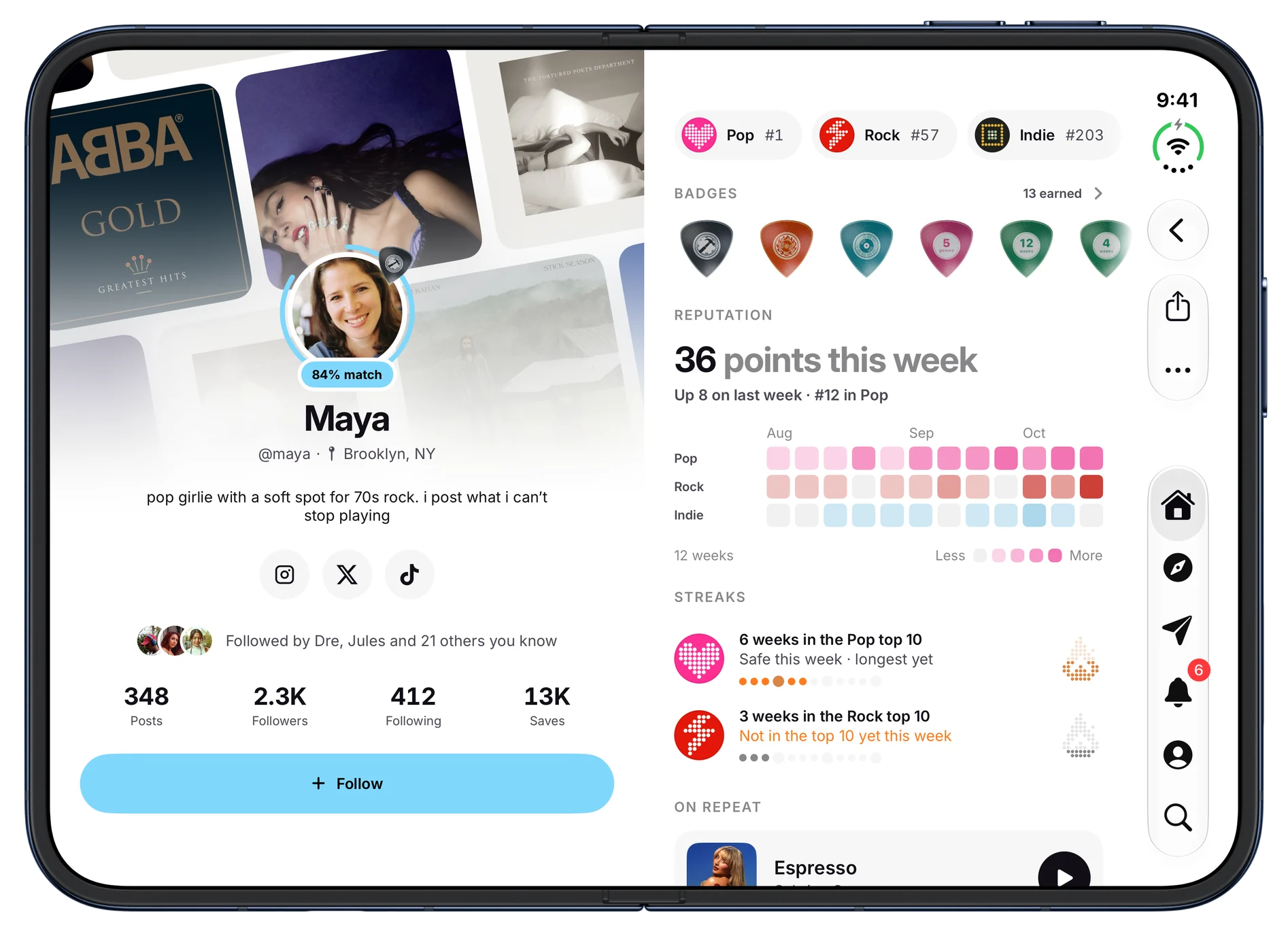
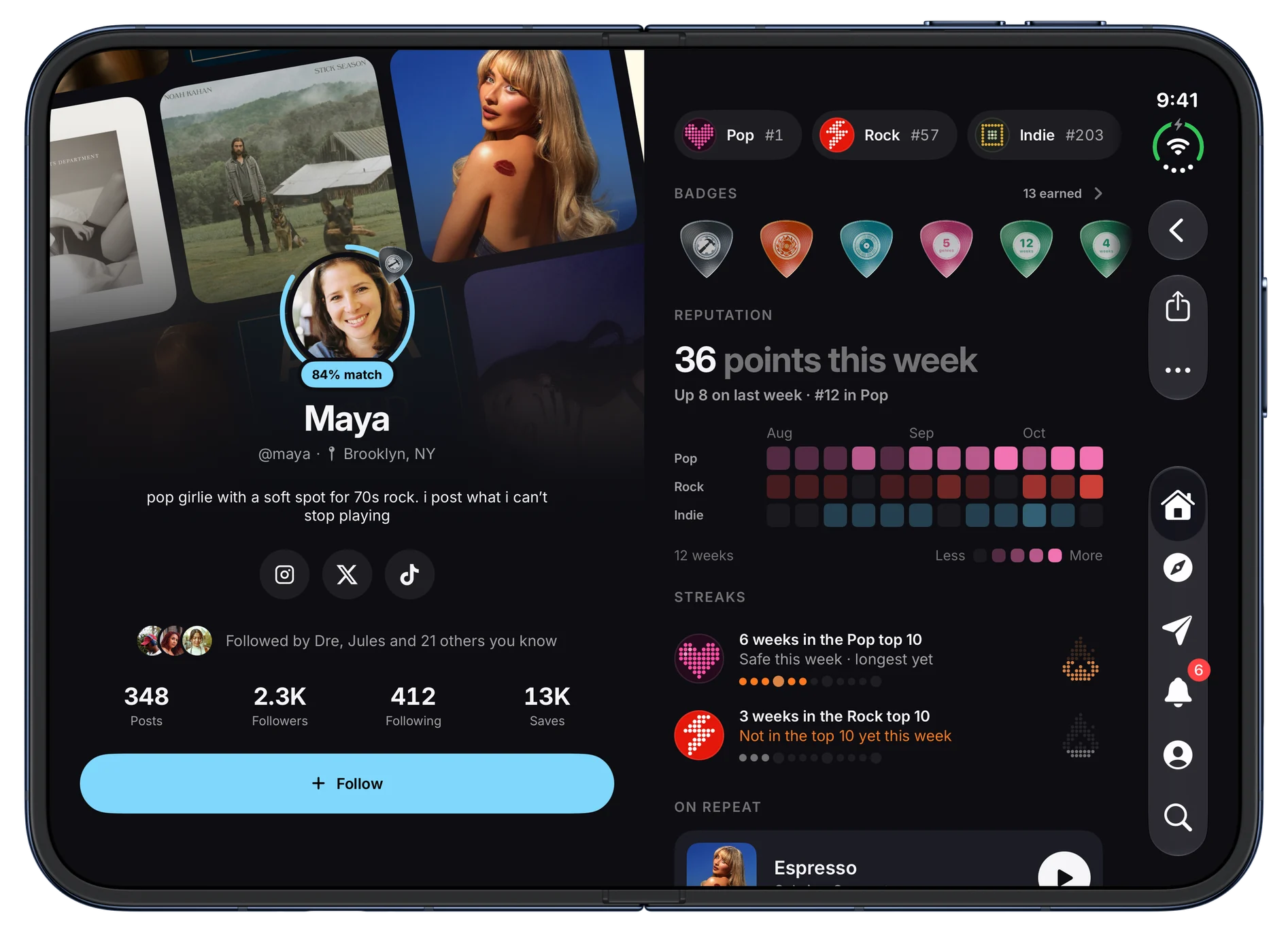
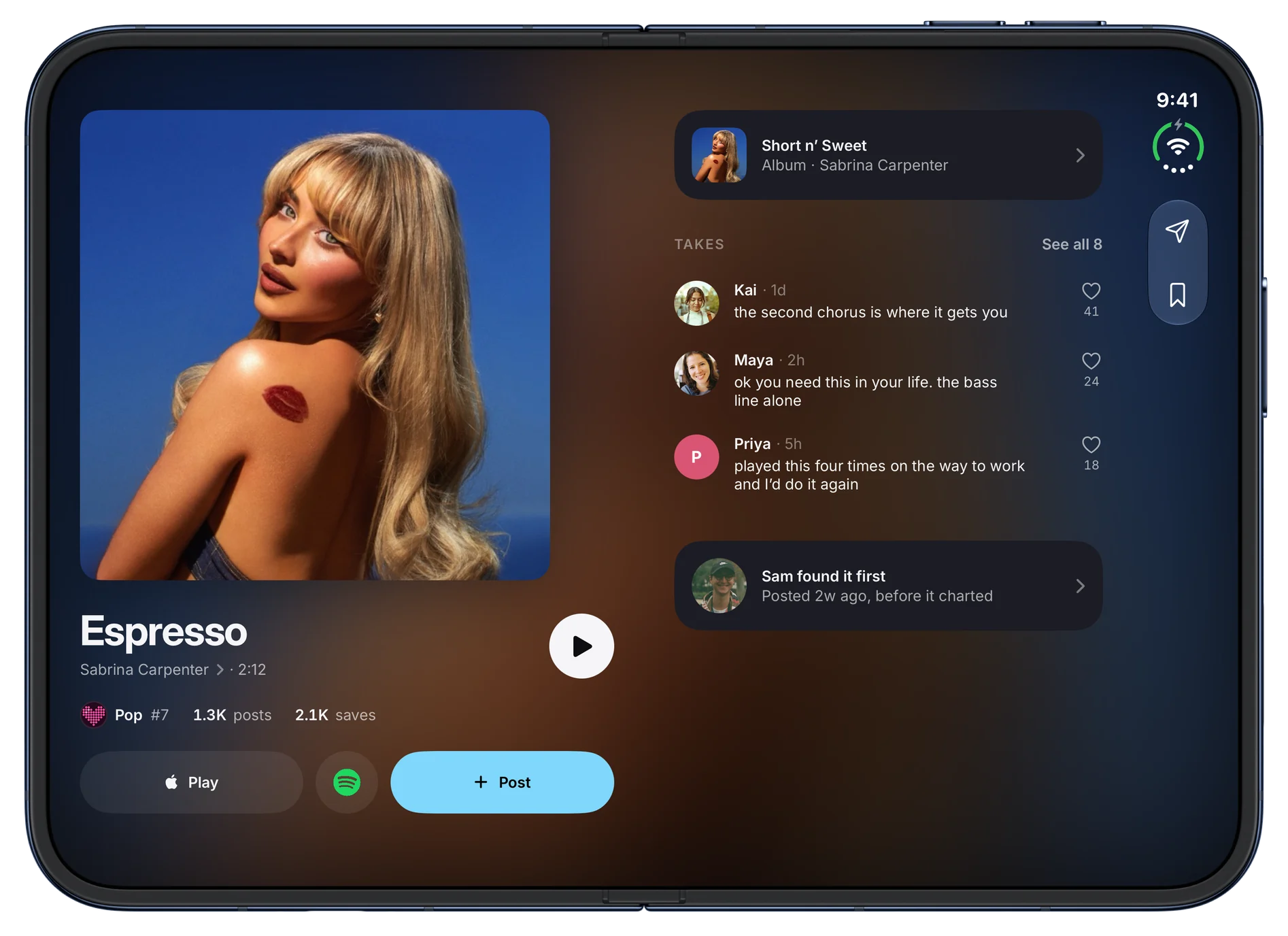
One song across two halves.
Every change.
Layout
- Split at the fold. Screens split into two halves that meet exactly at the fold, so nothing sits across it.
- System tab bar. Tabs stay in the system’s vertical bar, with Messages as a tab of its own.
- Closed. The phone layout you know. Closing the device takes you back to Feed.
- Held upright. The feed becomes a grid three across.
Home and feed
- Shelves. Recap and invite cards, genres and moods, then the feed as one sideways row.
- Quieter cards. Clean covers with play, who posted, the take and a compact called-it rank.
- Listening now. What’s playing becomes a waveform button in the bar instead of a bar across both halves.
Songs, posts and profiles
- Post pages. The cover on one half; the song, caption and comments on the other.
- Songs, artists and albums. Who and what it is on the left, the rest scrolling on the right.
- Profiles. Who someone is on the left; their genres, badges, streaks and posts on the right.
- Genres. The genre’s art, description and your rank on the left; the top 10 and curators on the right.
Messages
- Its own tab. Chats down the side with the open one beside them.
- From anywhere. Messaging someone from the feed opens the chat beside the list.
Explore and search
- Explore. The world map on the left; Happening now, genres and cities on the right.
- Search. Recents, moods and new releases on the left, genres on the right; results split the same way.
- Happening now. The art and actions on one half, the picks and posts on the other.
Your stuff
- Saved. The playlist cover and buttons on the left, the songs on the right.
- Archive. Two posts either side of the fold.
- Stats and recaps. Your best rank and week on the left, moods and recaps on the right.
- New post and edit profile. The song or photo on the left, everything you fill in on the right.
Getting started
- Welcome and sign up. The drifting cover wall on the left, the words and buttons on the right.
- Tour and onboarding. Illustrations and progress on the left, each step on the right.
Settings and more
- Settings. Laid out like iPad Settings, with the sections beside the one you’re in.
- Notices. Saved, posted and rank climbs grow out of the corner, clear of the fold.
- Share sheets. The card on one side and the share actions as a list beside it.

 Join the beta